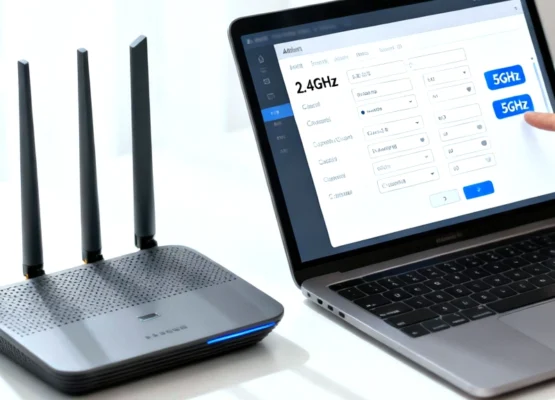
How to Change Your Router’s Wi-Fi Name and Password
Let’s be honest: leaving your Wi-Fi network named something like NETGEAR_5G_8A or ATT-WIFI-492 is boring. Worse, it’s a potential security risk. Default passwords printed on the bottom of routers are often predictable, and if you’ve had […]
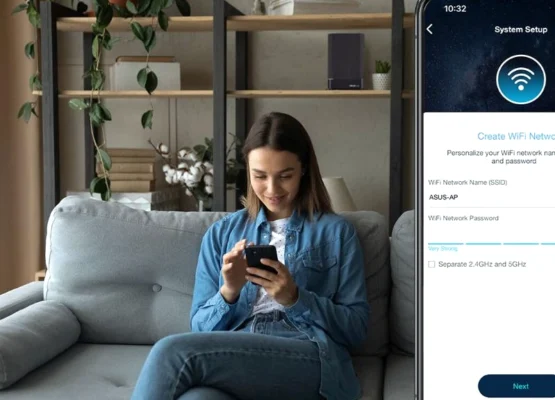
How to Set Up a Router Using Your Smartphone
Remember the “bad old days” of setting up a router? You had to drag out a laptop, hunt down a specific Ethernet cable, plug it directly into the router, open a web browser, and type […]

How to Configure a TP-Link Router Step by Step
Configuring a new TP-Link router is a straightforward process that typically takes about 5 to 10 minutes. You can complete the setup using either the TP-Link Tether smartphone app or a web browser on a […]
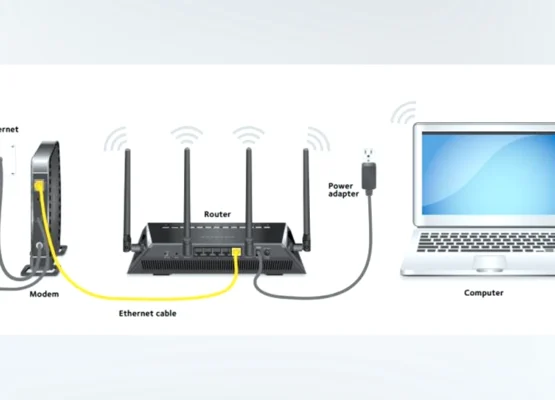
How to Set Up a New Wi-Fi Router: A Complete Beginner’s Guide
You’ve just unboxed your shiny new Wi-Fi router. You’re staring at the antennas, the tangled Ethernet cables, and the blinking lights. It looks intimidating. You might even be thinking, “Do I need to call a […]
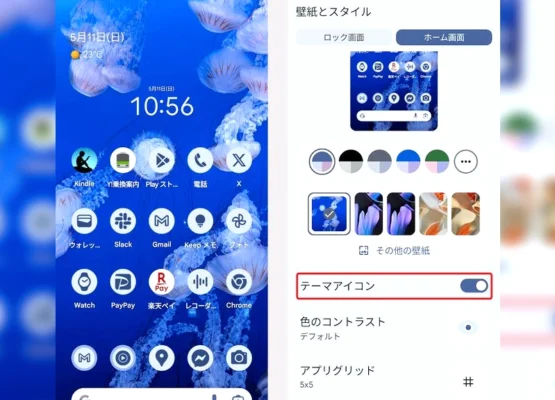
How to Customize Your Android Phone With Material 3 Expressive
Material 3 Expressive isn’t just a new coat of paint for Android. It’s a fundamental shift in how your phone looks, feels, and responds—and it’s built to be customized. If you’ve updated to Android 16 […]
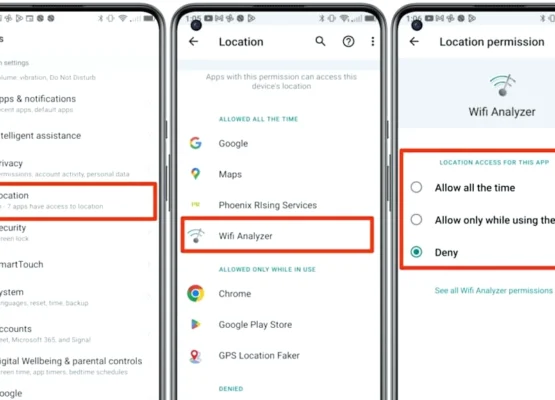
How to Stop Android Apps From Tracking Your Precise Location
Your phone knows exactly where you are. Every app you’ve ever tapped “Allow” on has a pin on your front door, accurate to within a few metres. And most of them don’t need it. Precise […]
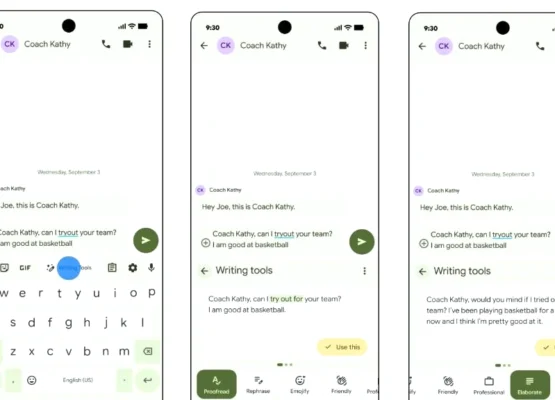
How to Create AI-Written Messages Directly From Your Android Keyboard
Your keyboard is no longer just a keyboard. In 2026, it’s a writing assistant, a ghostwriter, and—if you want it to be—a tone-deaf robot that can turn “sounds good” into a three-paragraph email in seconds. […]
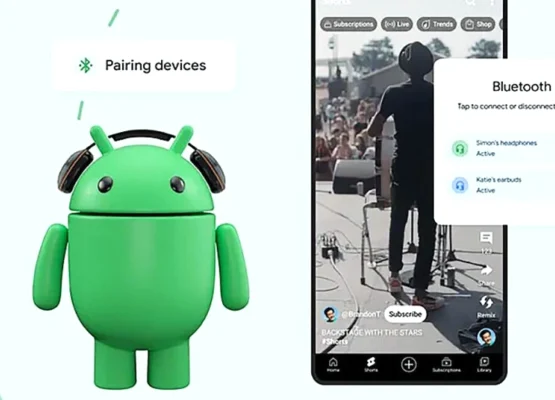
How to Share Music With Two Bluetooth Headphones on Android
You’re on a train with a friend, one pair of earbuds between you, and a playlist that deserves to be heard in stereo—not passed back and forth like a contraband earbud. For years, Android’s answer […]
How to Update Your Android Phone to Android 17: A Complete Step-by-Step Guide
Android 17 is here, but it’s not arriving on every phone at once. Google’s own Pixel devices get it first, followed by Samsung, OnePlus, Xiaomi, and others in a staggered rollout that can take months. […]
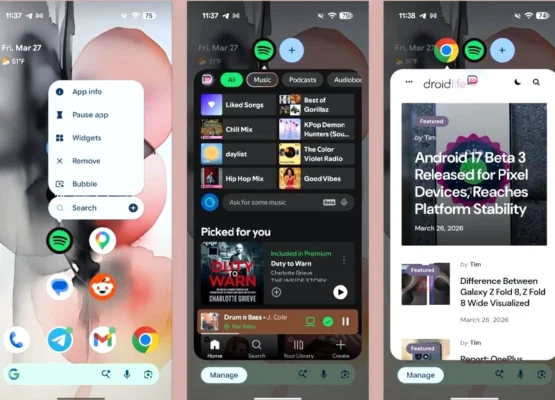
How to Run Multiple Apps at Once Using Android 17’s New Bubble Feature
Android 17’s Bubbles feature is the multitasking upgrade you didn’t know you needed. It lets you turn any app into a floating, moveable window—and stack up to five of them at once. Here’s how to […]