We’ve all been conditioned to react the same way.
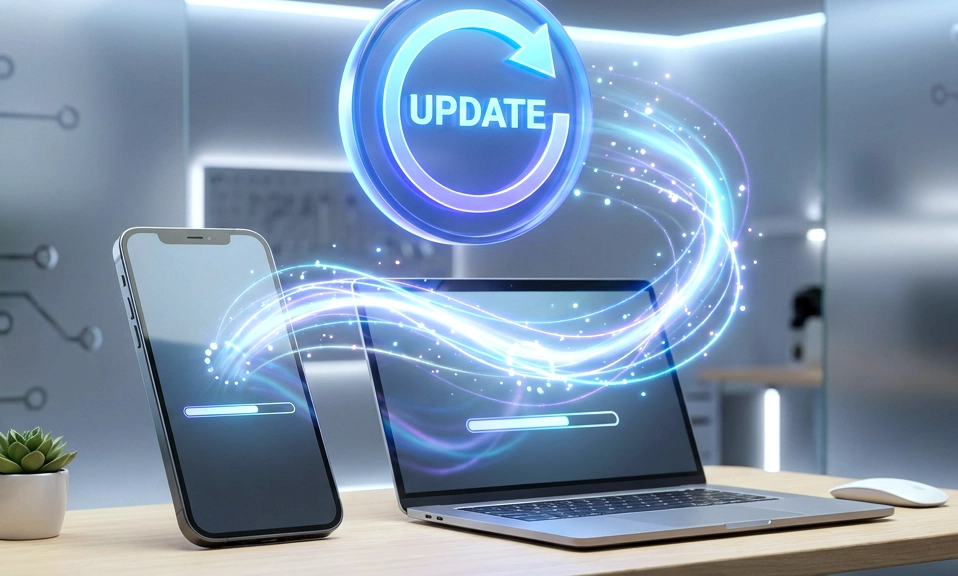
You unlock your phone, your laptop, or your smart TV, and there it is: the dreaded, inescapable pop-up. “Software Update Available.”
For years, we’ve been trained to treat these notifications like a trip to the mechanic. We assume the engineers have been working tirelessly to fix bugs, patch security holes, and make our devices run smoother. So, we click “Install,” wait for the reboot, and expect a better experience.
But if you’ve been using technology long enough, you’ve noticed a darker pattern.
After the update, your battery drains a little faster. Your phone feels a little sluggish. And suddenly, there are three new apps on your home screen that you didn’t download.
It’s time to face an uncomfortable truth about modern tech: Not every update is for you. In fact, many updates are designed primarily to benefit the manufacturer’s bottom line.
Here is the unvarnished reality of what’s actually happening when your device “updates,” and how you can stop letting companies treat your hardware like their personal billboard.
🐌 1. The “Performance Throttle” (Software-Induced Decay)
The Illusion: The update notes say the new OS is “optimized for better battery life and system efficiency.” The Reality: The new software is heavier, more resource-intensive, and subtly throttles your older hardware.
As manufacturers prepare to launch their new flagship devices, the software updates for your current (older) device magically seem to introduce “battery management” features that limit CPU performance. We saw this famously with Apple’s “Batterygate” scandal, where iOS updates silently slowed down older iPhones.
While companies claim this is to prevent unexpected shutdowns due to aging batteries, the side effect is that your perfectly good two-year-old phone suddenly feels unusable, subtly nudging you toward buying the new model. It is planned obsolescence, executed via code.
📱 2. The Bloatware Invasion (Selling Your Real Estate)
The Illusion: “We’ve added some exciting new partner experiences to your device!” The Reality: The manufacturer is using your screen to generate revenue for themselves and their partners.
You paid $1,000 for a premium, clean user experience. But after a major OS update, you suddenly find Spotify, TikTok, or the manufacturer’s own proprietary AI assistant pre-installed on your home screen.
Why? Because tech companies strike massive financial deals with app developers to pre-install their software on millions of devices. Your phone’s screen is valuable digital real estate, and the manufacturer is leasing it out to the highest bidder without your explicit consent. You didn’t just buy a phone; you bought a billboard.
🕵️♂️ 3. “Improving Your Experience” = Harvesting Your Data
The Illusion: “This update includes improvements to personalization and smart suggestions.” The Reality: The update is expanding the company’s telemetry and data-collection net.
When you click “Agree” on the Terms of Service during an update, you are often granting the manufacturer permission to collect deeper “diagnostic” data. This includes what apps you use, how long you use them, your typing patterns, and your location history.
This data is used to train their proprietary AI models, refine their advertising algorithms, or sell insights to third-party brokers. The update isn’t making your device smarter for you; it’s making your device a better data-mining tool for them.
🗑️ 4. Feature Deprecation (Taking Things Away)
The Illusion: “We are streamlining the user interface for a more modern experience.” The Reality: They are removing features you love to force you into their paid ecosystem.
Have you ever noticed an update quietly removing a beloved feature? Maybe it’s the ability to easily transfer files via local Bluetooth, or the option to use a third-party smartwatch, or the ability to set a default browser other than their own.
Manufacturers will “deprecate” (remove) features that don’t directly generate revenue or that allow you to use competing services. They remove local storage management to force you to buy their monthly cloud storage subscription. They block third-party accessories to force you to buy their official, high-margin peripherals. The update makes the device less capable, but more profitable for them.
🛡️ How to Fight Back and Take Control
You don’t have to be a victim of the update cycle. Here is how to manage your devices like an owner, not a renter.
1. Distinguish Between “Security” and “Feature” Updates
- Security Patches: Always install these. They fix vulnerabilities that hackers can exploit. They are usually small, background, and don’t change your interface.
- Major OS Upgrades (e.g., iOS 17 to 18, Windows 11 to 12): Wait. Never install a major feature update on day one. Wait at least two to three weeks. Let the early adopters find the bugs, the battery drains, and the bloatware. Read the forums. If it sounds terrible, skip it.
2. Turn Off “Auto-Install” Go into your settings and disable automatic OS updates. You should be the one who decides when your device reboots and changes its software. Force the device to ask for your permission.
3. Read the Patch Notes (Look for the Red Flags) Before updating, read the release notes. If you see words like “optimized background processes,” “enhanced partner integration,” or “streamlined features,” proceed with caution. These are often corporate code words for “we slowed down your phone,” “we added ads,” or “we deleted a feature.”
4. Aggressively Revoke Permissions Post-Update After a major update, go into your Privacy settings. Check your Location, Microphone, Camera, and Tracking permissions. Updates often reset these to “Allow.” Turn them back off.
5. Support the “Right to Repair” and “Right to Tinker” The ultimate defense against manufacturer overreach is owning your hardware completely. Support legislation and companies that allow you to unlock your bootloader, install custom operating systems (like GrapheneOS for Android or Linux for PCs), and repair your own devices. When you can control the software at a root level, the manufacturer loses their leverage.
You Are the Owner, Not the User
The tech industry has spent the last decade trying to shift our mindset. They want us to view our devices not as tools we own, but as “terminals” we use to access their services. They want the software to be a leash, keeping us tethered to their ecosystem, their data collection, and their upgrade cycle.
But you paid for that hardware. It belongs to you.
The next time that “Update Available” notification pops up, don’t just blindly click “Yes.” Take a breath. Read the notes. Ask yourself: Is this update actually for me, or is it for them?
Take back your screen. Take back your data. And stop letting them update you into oblivion.
What is the worst “update” you’ve ever installed that completely ruined your device?