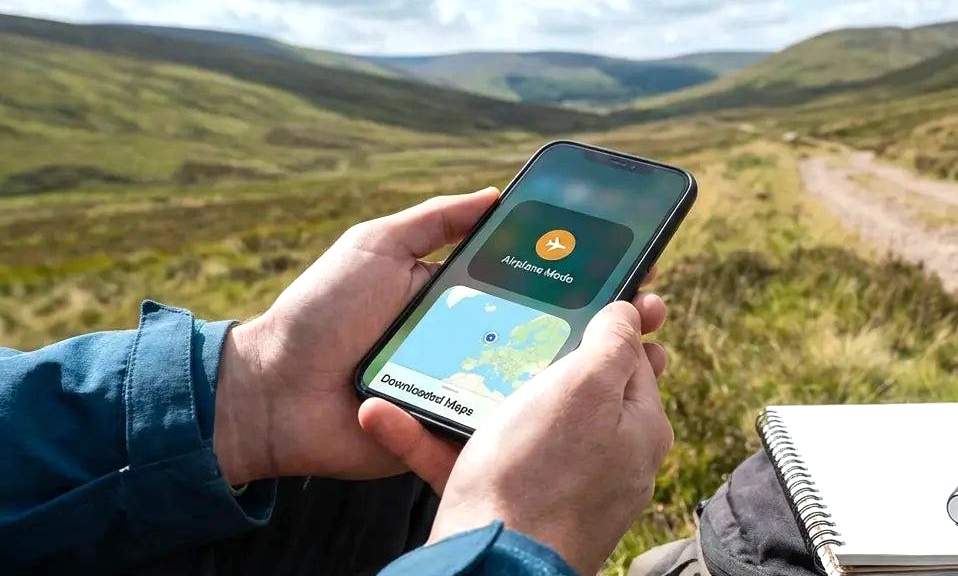
No Wi-Fi? No data? Your phone is not a brick.
Your smartphone is actually a supercomputer that doesn’t need the internet for half the cool stuff it does. Most people never open these features because they live on Instagram.
Here are 9 tricks that work 100% offline — perfect for flights, camping, blackouts, or when your provider decides to take a day off.
1. Turn Your Phone Into a Real Measuring Tape
You don’t need internet to measure your wall.
iPhone: Open the Measure app (pre-installed since iOS 12). Point at a table, a floor, a person. It uses LiDAR / AR and gives you length, area, even height of a person automatically.
Android: Open Google’s Measure app or in Camera, switch to Measure mode on many Samsung / Pixel phones. It works completely offline.
I used it last week to check if a couch would fit through a door. No signal needed.
2. Use Offline Maps (Download Before You Lose Signal)
This one you have to set up once, then it works forever offline.
Google Maps: Open Maps > tap your profile picture > Offline maps > Select your own map. Drag to cover your city. Download. Now you have full turn-by-turn driving, walking, and search without internet. It even shows business hours you downloaded.
Apple Maps: On iOS 17+, search an area > tap Download > Offline Map.
Pro tip: Download your whole trip before you fly. It works in airplane mode and saves battery.
3. Scan Documents Like a Real Scanner
No need for CamScanner that wants your data.
iPhone: Open Notes > New Note > tap camera icon > Scan Documents. It auto-crops, flattens perspective, creates a PDF. All on-device.
Android: Open Google Drive > + > Scan. Same thing. Auto edge detection, converts to PDF, OCR text recognition works offline.
Works in the middle of nowhere. Great for contracts, receipts, IDs.
4. Your Phone Is a Spirit Level and Compass
Building that shelf?
iPhone: Open Measure > Level (swipe). Put phone on table, wall, floor. Shows degrees.
Or search Compass app — works without internet, uses magnetometer + GPS satellite, not data. It gives you latitude/longitude even offline.
Android: Most phones have Compass in the Google Maps or separate app. Samsung has Bubble Level in Edge Panel. Pixel has it in Measure.
Don’t use it near speakers — magnets mess it up.
5. Transcribe and Translate Without Internet
Yes, really.
iPhone: Download offline languages: Settings > Translate > Downloaded Languages > English – Spanish. Then open Translate app, select offline languages, works in airplane mode. Also Live Voicemail transcription works offline.
Android: Google Translate > Tap profile > Downloaded languages — download English, Spanish, French. Now you can translate signs, menus via camera offline. And Gboard keyboard has offline voice typing — hold mic icon, speak, it types without internet.
Google Recorder on Pixel transcribes interviews completely offline — best feature no one knows about.
6. Control Your TV, AC, and Anything With a Remote
Many Android phones still have an IR blaster (infrared).
Xiaomi, POCO, Redmi, Huawei, some Samsung: Open Mi Remote / IR Remote app. Select TV, AC, fan, projector. It works without Wi-Fi or internet — it’s just infrared light like your old remote.
iPhone doesn’t have IR, but you can use Apple TV Remote widget for Apple TV over Bluetooth (no internet needed) and most smart TVs over local network still work if Wi-Fi router is on but internet is down.
I haven’t seen my AC remote in 2 years. Phone does it all.
7. Create a Flashlight SOS and Medical ID
No internet needed for emergencies.
Flashlight: Both iPhone and Android — you can make it blink SOS. On iPhone, say “Hey Siri, flashlight SOS” even offline Siri does it on iOS 17+. Or use flashlight strobe: tap and hold flashlight icon in Control Center > slide to max.
Medical ID (saves lives):
- iPhone: Settings > Health > Medical ID — fill blood type, allergies, emergency contact. Works on lock screen even offline, even when phone is locked. Paramedics know to check it.
- Android: Settings > Safety & Emergency > Medical Information
Add emergency contacts to lock screen. No signal? First responders still see it.
8. Use Your Phone as a Microscope and Magnifying Glass
iPhone: Open Magnifier app (Settings > Accessibility > Magnifier to add). It uses ultra-wide camera to zoom 10x-15x with flashlight, filters, freeze frame. You can read tiny serial numbers, see insects, check skin.
Android: Open Camera > Zoom to 10x or use Magnifier in Accessibility. Samsung has Magnifier widget.
Also: Your camera can see infrared light (point TV remote at camera, press button, you’ll see purple flash) — handy trick to check if remote battery is dead.
9. Play Your Phone’s Secret Built-In Games
Bored on a plane with no Wi-Fi?
iPhone: Open Safari, search “play” — but offline, you have hidden games in iMessage: Open iMessage > new message to yourself > Apps > #images? Not offline. Better: Add shortcuts game — Search App Library for “Game Center”? Actually easiest: Open Notes > draw with finger — instant doodle pad offline.
Real ones:
- Google Chrome: Turn on airplane mode, open Chrome, you’ll get the Dinosaur game. Tap to play. Yes, it was made for no internet.
- Android: In Phone app, dial
*#*#4636#*#*to get battery stats (offline Easter egg). Or open Google Play Games > Offline games section.
And don’t forget: Your Clock, Calculator, Voice Memos, Calendar, Photos editing, Music files downloaded, and Screen Recording all work perfectly without internet.
Bonus Trick: Offline Emergency Calling
Even without SIM or data, your phone can still call emergency services if it can see any tower from any provider. 112 / 911 works with no SIM. Your phone will use any available network for SOS — it’s law.
Your phone is way more than a TikTok machine. Next time you have 5 minutes, download offline maps and languages. When the internet dies, you’ll be the only one who still looks like you have internet.