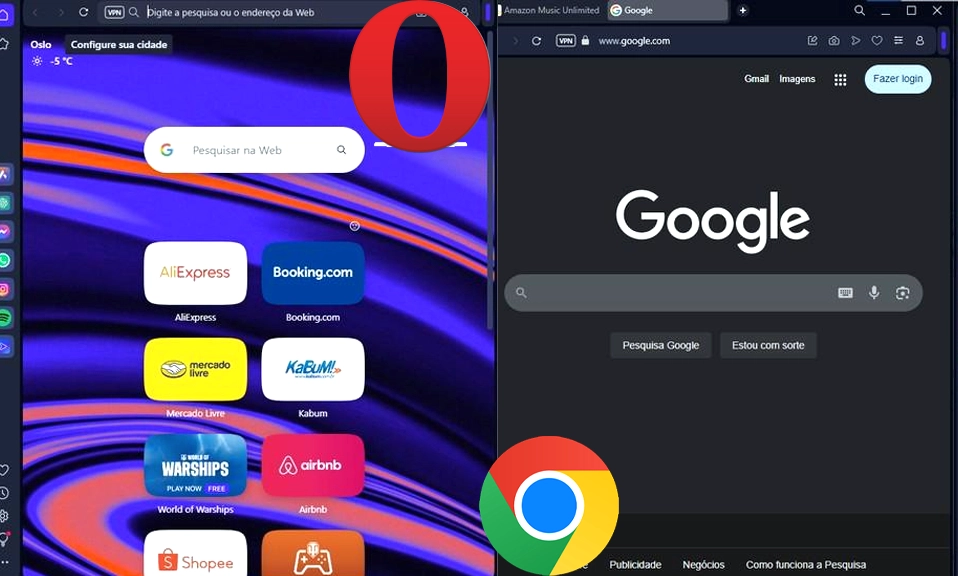
For over a decade, Google Chrome has been the undisputed 800-pound gorilla of the web browser world. It’s fast, it’s reliable, and it’s the default on billions of devices.
But in recent years, a quiet challenger has been building a massive, loyal following: Opera.
Packed with built-in tools, privacy features, and a highly customizable interface, Opera has positioned itself as the ultimate browser for power users, students, and anyone tired of their computer sounding like a jet engine.
Since both browsers are built on the same underlying engine (Chromium), websites will load and function almost identically on both. The real differences lie in performance, privacy, features, and ecosystem.
Let’s break down the ultimate showdown: Opera vs. Chrome. Which one deserves to be your default browser?
⚡ Round 1: Performance & Speed (The RAM Battle)
Chrome: Chrome is famously fast, but it has a well-earned reputation as a “RAM hog.” If you have 20+ tabs open, Chrome will happily consume gigabytes of memory, which can slow down older machines or drain laptop batteries quickly. (Though Google has recently introduced a “Memory Saver” mode to help mitigate this).
Opera: Opera is generally much lighter on system resources. It comes with a built-in Battery Saver and RAM Saver mode that puts inactive tabs to sleep, freeing up memory for the tabs you’re actually using. Furthermore, because Opera has a built-in ad and tracker blocker, it doesn’t have to download and render heavy, resource-draining advertisements, making pages load noticeably faster on cluttered websites.
Winner: Opera. It’s simply more efficient, especially on laptops or machines with limited RAM.
🛡️ Round 2: Privacy & Security (The Data Dilemma)
Chrome: Let’s be honest: Chrome is built by Google, the world’s largest advertising company. While Chrome is secure against hackers and malware, it is fundamentally designed to collect data about your browsing habits to fuel Google’s ad ecosystem. You have to manually dig into settings and install third-party extensions to get basic privacy protections.
Opera: Opera takes privacy much more seriously out of the box. It includes a built-in, free ad and tracker blocker that you can toggle on with one click. Even more impressively, Opera includes a free, unlimited browser-level VPN. (Note: This is a proxy that encrypts your browser traffic, not a full system-wide VPN like NordVPN, but it’s fantastic for bypassing basic geo-blocks and hiding your IP address from websites).
Winner: Opera. If you value privacy and want to block trackers without installing extra extensions, Opera is the clear choice.
🧰 Round 3: Features & Customization (The Toolbox)
Chrome: Chrome’s philosophy is minimalism. It gives you a clean, blank canvas and expects you to go to the Chrome Web Store to install extensions for everything else. This keeps the interface clean, but it can lead to “extension bloat,” which slows down the browser and clutters your toolbar.
Opera: Opera is the Swiss Army Knife of browsers. Its standout feature is the Sidebar, which gives you one-click access to messaging apps (WhatsApp, Telegram, Messenger), Discord, Spotify, and even AI tools like Aria (Opera’s built-in AI assistant). It also features Workspaces (grouping tabs by project, e.g., “Work,” “Shopping,” “Research”) and Tab Islands (automatically grouping tabs from the same website).
Winner: Opera. It gives you premium features natively, saving you the hassle of hunting down, installing, and managing multiple extensions.
🔄 Round 4: Ecosystem & Sync (The Convenience Factor)
Chrome: This is where Chrome absolutely dominates. If you live in the Google ecosystem (Gmail, Google Drive, Google Docs, Android phone), Chrome’s sync is flawless. Your passwords, history, bookmarks, and open tabs seamlessly flow between your PC, Mac, iPhone, and Android device.
Opera: Opera has a sync feature and a neat tool called Opera Flow (which lets you instantly send links, notes, and files between your phone and computer). However, it doesn’t have the deep, OS-level integration that Chrome enjoys, especially if you are an Android or ChromeOS user.
Winner: Chrome. For seamless, cross-device harmony, especially for Google users, nothing beats Chrome.
🎨 Round 5: The “Vibe” and User Experience
Chrome: Clean, corporate, and familiar. It gets out of your way. If you want a browser that feels like a blank sheet of paper, Chrome is it.
Opera: Bold, customizable, and modern. You can change the entire color scheme of the browser, move the sidebar to the left or right, and even use a “Pin to Sidebar” feature to turn any website (like YouTube or Notion) into a mini-app. It feels like a browser built for people who spend 8+ hours a day on the web.
Winner: Tie. It depends entirely on your aesthetic preference. Minimalist (Chrome) vs. Customizable (Opera).
The Bottom Line: Which Should You Choose?
Neither browser is objectively “bad,” but they serve different types of users.
Choose Google Chrome if:
- You are deeply embedded in the Google ecosystem (Gmail, Drive, Android).
- You prefer a minimalist, no-frills interface and don’t mind installing extensions for extra features.
- You have a powerful desktop computer with plenty of RAM, so memory usage isn’t a concern.
Choose Opera if:
- You want better battery life and lower RAM usage (especially on a laptop).
- You care about privacy and want built-in ad/tracker blocking and a free browser VPN.
- You are a power user who loves having WhatsApp, Discord, or Spotify natively integrated into your browser sidebar.
- You want advanced tab management (Workspaces, Tab Islands) without installing third-party tools.
For the average user
who just wants things to “work” with their Google account, Chrome remains the safe, reliable default.
But for anyone looking to reclaim their privacy, save their laptop’s battery, and supercharge their productivity with built-in tools, Opera is the hidden gem that easily dethrones Chrome as the best daily driver.
Give Opera a try for a week. You might just find that you never want to go back.