Remember the early days of the internet? If you wanted to build a website, you had to learn HTML, CSS, and maybe even a little PHP. You’d spend hours staring at a black screen full of text, praying you didn’t forget a single closing tag.
Those days are officially over.
Today, WordPress powers over 40% of the entire internet, and the vast majority of those site owners are not programmers. They are small business owners, bloggers, photographers, and entrepreneurs. Thanks to the modern “no-code” revolution, building a stunning, professional, and fully functional WordPress website is now as easy as dragging and dropping digital Lego bricks.
If you’ve been putting off building your website because you’re intimidated by the tech, this guide is for you. Here is your complete, step-by-step roadmap to building a professional WordPress site without touching a single line of code.
🏗️ 1. The Foundation: Domain and Hosting
Before you can build a house, you need an address and a plot of land.
- Your Domain Name is your address (e.g.,
yourbusiness.com). - Your Web Hosting is the land where your website’s files actually live.
The No-Code Fix: You don’t need to configure servers. Go to a beginner-friendly hosting provider like SiteGround, Hostinger, or Bluehost. When you sign up, they will ask you what kind of site you are building. Select “WordPress,” and their automated system will install the WordPress software for you in about 60 seconds.
🎨 2. The Outfit: Choose a Modern, Lightweight Theme
Your WordPress “theme” dictates the overall look, feel, and layout of your site. In the past, themes were rigid and hard to change. Today, they are highly customizable canvases.
The No-Code Fix: Don’t buy a bloated, overly complex theme from 2015. Install a lightweight, highly-rated free theme like Astra, Kadence, or GeneratePress. These themes are essentially “blank slates.” They load incredibly fast and are specifically designed to work seamlessly with drag-and-drop page builders (which we’ll cover next). They come with dozens of pre-built “Starter Templates” that you can import with one click, giving you a professionally designed site in seconds.
🧱 3. The Magic Wand: Install a Page Builder
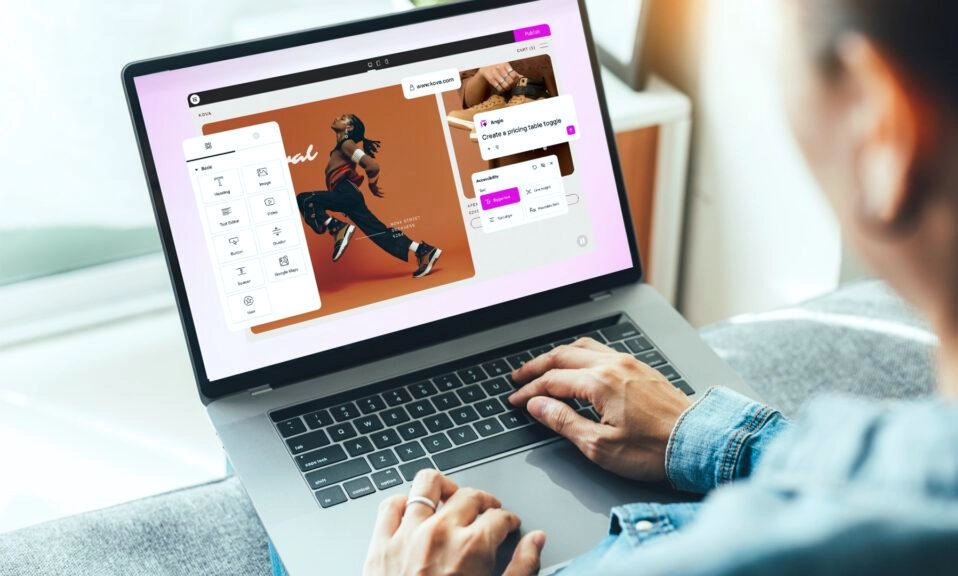
This is the true secret to the “no-code” movement. A page builder replaces the need to write code with a visual, drag-and-drop interface. What you see on your screen is exactly what your visitors will see.
The No-Code Fix: You have two main routes here:
- Route A: The Native Block Editor (Gutenberg). WordPress’s built-in editor is now incredibly powerful. Using “Blocks,” you can add columns, buttons, image galleries, and cover sections just by clicking and dragging. It’s free, built-in, and blazing fast.
- Route B: Elementor or Beaver Builder. If you want absolute, pixel-perfect control over every millimeter of your design, install a plugin like Elementor (the most popular visual page builder in the world). It gives you a massive library of pre-designed widgets (headings, sliders, forms, pricing tables) that you simply drag onto the page and edit visually.
🦸♂️ 4. The Superpowers: The “Holy Quartet” of Plugins
Plugins are like apps for your website. They add specific features. The biggest mistake beginners make is installing 40 plugins and crashing their site. Stick to the essential four:
- SEO (Search Engine Optimization): Install RankMath or Yoast SEO. They add a simple checklist to every page you write, telling you exactly how to optimize your content so Google can find it.
- Security: Install Wordfence or Solid Security. This acts as your digital bouncer, blocking hackers, stopping brute-force login attempts, and keeping your site safe.
- Backups: Install UpdraftPlus. If your site ever breaks or gets hacked, this plugin automatically saves a copy of your entire site to your Google Drive or Dropbox. You can restore it with one click.
- Speed/Caching: Install LiteSpeed Cache (if your host supports it) or WP Rocket (premium). This compresses your images and speeds up your loading times, which is crucial for keeping visitors happy.
📝 5. The Content: Build Your Core Pages
Now that the engine is running and the design tools are ready, it’s time to build the actual rooms of your digital house. Every professional site needs these four foundational pages:
- The Homepage: Your digital handshake. Clearly state who you are, what you do, and how you help people. Include a clear “Call to Action” (e.g., “Contact Us,” “Shop Now,” “Read the Blog”).
- The About Page: People buy from people. Share your story, your mission, and a professional photo of yourself or your team.
- The Services/Products Page: Clearly outline what you are selling. Use high-quality images and bullet points to make it easy to read.
- The Contact Page: Don’t make people hunt for your email. Use a simple contact form plugin (like WPForms) and include your email address, phone number, and a map if you have a physical location.
📱 6. The Final Polish: Mobile and Speed Check
Over 60% of all web traffic comes from mobile phones. A site that looks great on a desktop but looks broken on an iPhone is not a professional site.
The No-Code Fix:
- Check Mobile View: If you are using Elementor or the Block Editor, there is a “Responsive Mode” icon. Click it to see exactly how your site looks on a tablet and a smartphone. Adjust the font sizes and padding until it looks perfect.
- Compress Images: Never upload a 5MB photo straight from your camera. Use a free plugin like Smush or ShortPixel to automatically compress your images without losing quality.
- Test Everything: Click every single link. Fill out your contact form to make sure the email actually arrives in your inbox.
“No Code” Doesn’t Mean “No Effort”
Building a WordPress website without code is incredibly accessible, but it still requires thought, strategy, and a good eye for design. The technology is no longer the barrier to entry; your creativity and your message are.
By leveraging modern hosting, lightweight themes, and visual page builders, you can build a site that looks like it cost $10,000 from an agency, all for the cost of a basic hosting plan (about $3 to $10 a month) and a weekend of your time.
Stop letting the fear of “tech” hold your business or your passion back. Grab a cup of coffee, open your hosting dashboard, and start dragging and dropping. Your professional website is waiting.