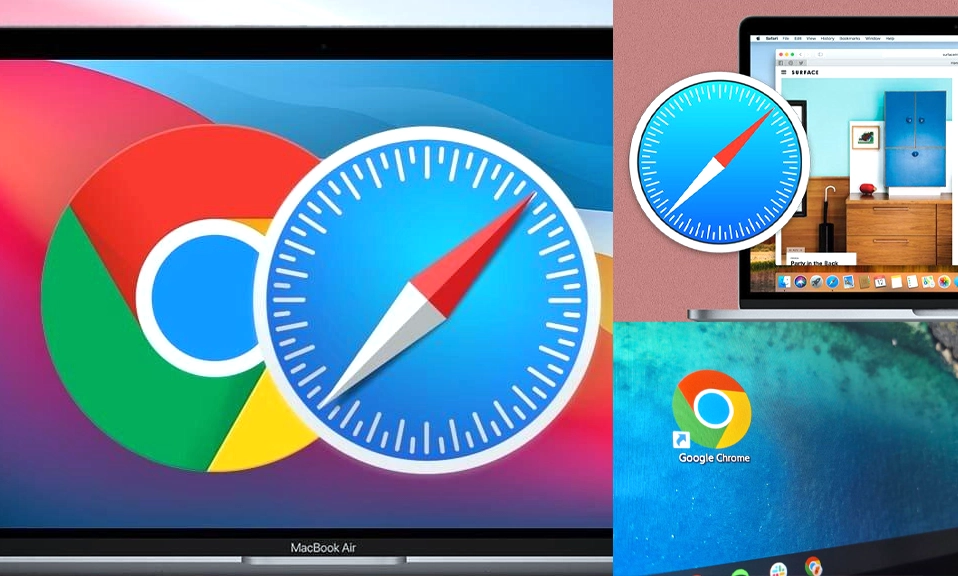
If you own a Mac, an iPhone, or an iPad, you are faced with a daily digital dilemma: Do you stick with the pre-installed default, Safari, or do you download the global heavyweight champion, Google Chrome?
For years, Chrome has dominated the browser market with its speed, massive extension library, and flawless cross-platform syncing. But Apple hasn’t been sitting still. In recent years, Safari has undergone a massive renaissance, transforming from a basic, bare-bones browser into a sleek, privacy-focused, and incredibly efficient powerhouse—especially on modern Apple Silicon (M1/M2/M3) chips.
Since both browsers will load your favorite websites without a hitch, the real battle comes down to performance, privacy, battery life, and ecosystem.
Let’s break down the ultimate showdown: Safari vs. Chrome. Which one deserves your dock icon?
⚡ Round 1: Performance & Speed
Safari: Safari is built on Apple’s proprietary WebKit engine, which is hyper-optimized for macOS and iOS. On modern Macs with Apple Silicon, Safari is blisteringly fast. It feels incredibly snappy, scrolls smoothly, and handles heavy web apps with ease.
Chrome: Chrome runs on the Blink engine (the same engine that powers Edge, Opera, and Brave). It is famously fast at executing JavaScript and rendering complex web pages. However, this speed comes at a cost: Chrome is a notorious “RAM hog.” If you’re a heavy tab hoarder, Chrome can slow down older Macs or cause system-wide sluggishness.
Winner: Safari (for Mac users). Its deep integration with Apple’s hardware gives it a slight, but noticeable, edge in smoothness and efficiency.
🔋 Round 2: Battery Life (The Laptop Test)
Safari: This is Safari’s undisputed kingdom. Because it is so tightly integrated with macOS, Safari is incredibly power-efficient. Apple consistently designs Safari to maximize battery life, meaning you can often get an extra hour or two of web browsing on a MacBook compared to other browsers.
Chrome: Chrome has historically been a battery drain on laptops. While Google has recently introduced a “Memory Saver” and “Energy Saver” mode to throttle background tabs, it still consumes significantly more power than Safari, especially when playing video or running multiple web apps.
Winner: Safari. If you work untethered from a wall outlet, Safari is the clear choice to keep your MacBook alive.
🛡️ Round 3: Privacy & Security
Safari: Apple’s entire business model is selling hardware, not advertising data. As a result, Safari is built with privacy as a default. Features like Intelligent Tracking Prevention (ITP) automatically block cross-site trackers, and the Privacy Report shows you exactly which trackers have been blocked. Safari also isolates websites in “sandboxed” environments to prevent malicious code from accessing your system.
Chrome: Chrome is built by Google, the world’s largest advertising company. While Chrome is highly secure against malware and phishing (thanks to Google Safe Browsing), it is fundamentally designed to collect data about your browsing habits to fuel targeted ads. You have to manually dig into settings or install third-party extensions to get the baseline privacy that Safari offers out of the box.
Winner: Safari. For out-of-the-box privacy and tracker blocking, Apple’s browser is far superior.
🔄 Round 4: Ecosystem & Cross-Platform Sync
Safari: Safari’s superpower is the Apple ecosystem. If you use a Mac, iPhone, and iPad, Safari’s syncing via iCloud is magical. Your open tabs, bookmarks, reading lists, and even your Wi-Fi passwords (via iCloud Keychain) seamlessly flow between all your devices. Features like “Handoff” let you start reading an article on your iPhone and instantly pick it up on your Mac.
Chrome: Chrome is the king of cross-platform flexibility. If you use a Mac at work, a Windows PC at home, and an Android phone in your pocket, Chrome is the only browser that will seamlessly sync your entire digital life across all those different operating systems.
Winner: Tie. Safari wins if you are 100% in the Apple ecosystem. Chrome wins if you mix and match Apple, Windows, and Android devices.
🧰 Round 5: Extensions & Features
Safari: Safari’s extension library is growing, but it is still a fraction of the size of Chrome’s. Apple also requires Safari extensions to be downloaded through the Mac App Store, which adds a layer of security but makes discovery and installation more cumbersome. However, Safari does include great native features like a built-in translation tool, a reading mode, and seamless Apple Pay integration.
Chrome: The Chrome Web Store is the gold standard for browser extensions. Whether you need a specific productivity tool, a niche developer utility, or a custom ad-blocker, Chrome has it. It also boasts the best developer tools in the industry, making it the undisputed favorite for web creators.
Winner: Chrome. For sheer variety, customization, and developer utility, Chrome’s extension ecosystem is unmatched.
The Bottom Line: Which Should You Choose?
The “best” browser entirely depends on your hardware and your priorities.
Choose Safari if:
- You live exclusively in the Apple ecosystem (Mac, iPhone, iPad, Apple Watch).
- You prioritize battery life and system performance on your MacBook.
- You want strong, built-in privacy and tracker protection without configuring anything.
- You prefer a clean, minimalist interface that gets out of your way.
Choose Chrome if:
- You use a mix of devices (e.g., a Mac and a Windows PC, or an iPhone and an Android tablet).
- You rely heavily on specific browser extensions for work, school, or productivity.
- You are a web developer or power user who needs advanced debugging tools.
- You are deeply tied to Google services (Google Workspace, Google Drive) and want the tightest possible integration.
If you are an Apple user,
Safari is no longer just the “default” option; it is genuinely the best option for 90% of everyday tasks. It is faster, safer for your privacy, and vastly better for your battery.
However, if your digital life spans across multiple operating systems, or if you absolutely cannot live without your favorite niche Chrome extensions, Chrome remains the ultimate, flexible workhorse.
Why not try Safari as your default for a week? You might be surprised by how much faster and cleaner the web feels.