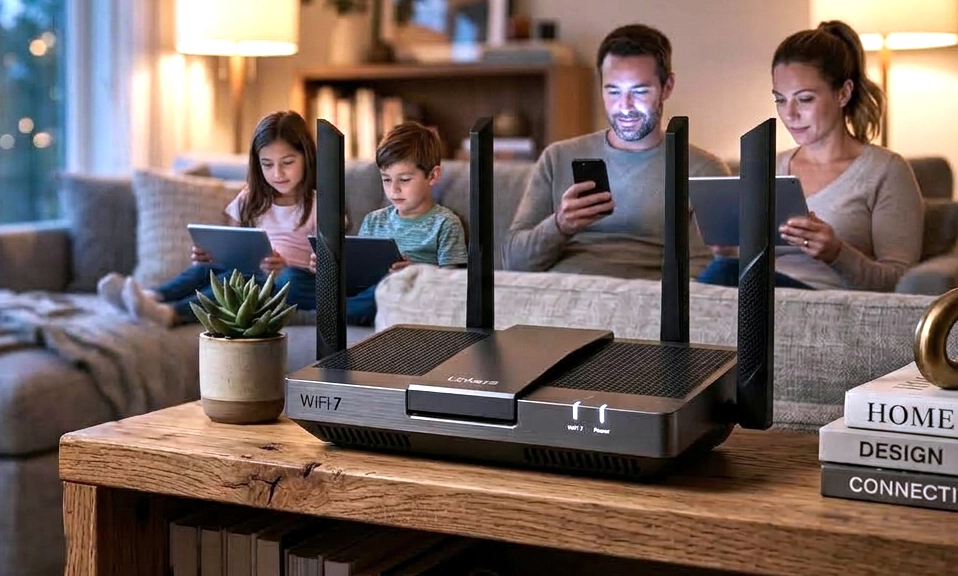
We’ve all been there. You’re in the middle of an important video call, your kid starts streaming a 4K movie in the next room, and your smart vacuum decides to update its firmware. Suddenly, your video freezes, the audio glitches, and you’re left staring at the dreaded spinning wheel of death.
For the last few years, Wi-Fi 6 and 6E have done a great job of keeping our homes connected. But as our households become packed with more bandwidth-hungry devices—from 8K TVs and VR headsets to dozens of smart home sensors—the cracks in our home networks are starting to show.
Enter Wi-Fi 7 (802.11be).
After years of anticipation, Wi-Fi 7 routers are no longer just ultra-expensive, early-adopter tech toys. In 2026, they are hitting the mainstream, and they aren’t just offering a minor speed bump. They represent a fundamental leap in how our devices communicate.
If you’re wondering whether it’s time to finally upgrade that dusty old router, here is everything you need to know about the Wi-Fi 7 revolution.
🚀 The Tech Breakdown: What Makes Wi-Fi 7 So Fast?
Wi-Fi 7 isn’t just about raw speed; it’s about efficiency, capacity, and eliminating lag. Here are the three game-changing features under the hood, explained in plain English:
1. Multi-Link Operation (MLO): The Ultimate Traffic Cop 🚦
This is the undisputed “killer feature” of Wi-Fi 7. In the past, your phone or laptop had to choose one Wi-Fi band to connect to (either 2.4GHz, 5GHz, or 6GHz). If that band got congested, your connection stuttered.
MLO allows a Wi-Fi 7 device to connect to multiple bands simultaneously. Think of it like a car that can drive on three highway lanes at the exact same time. If one lane gets congested, the data seamlessly flows through the others. The result? Drastically reduced latency and rock-solid stability, even in a crowded house.
2. Massive 320 MHz Channels 🛣️
Wi-Fi 6 maxed out at 160 MHz channel widths. Wi-Fi 7 doubles that to 320 MHz (available in the 6GHz band). If bandwidth is a highway, Wi-Fi 7 just doubled the number of lanes, allowing a massive amount of data to travel side-by-side without bottlenecking.
3. 4K-QAM (Quadrature Amplitude Modulation) 📦
QAM is the method routers use to pack data into wireless signals. Wi-Fi 6 used 1024-QAM. Wi-Fi 7 upgrades this to 4096-QAM (or 4K-QAM). This allows the router to pack 20% more data into the exact same transmission. It’s like upgrading from a standard delivery van to a double-decker truck, carrying more payload in a single trip.
🌍 Real-World Benefits: Why You’ll Actually Notice the Difference
Theoretical speeds of 46 Gbps sound great on a spec sheet, but how does this translate to your living room?
- Zero-Lag Gaming and VR: For gamers and VR enthusiasts, latency (ping) is the enemy. Wi-Fi 7’s MLO and reduced interference mean wireless gaming can finally rival the stability of a hardwired Ethernet connection. No more motion sickness from VR stutter.
- The End of the “Bandwidth Battle”: Someone can download a 100GB game, another can stream an 8K video, and you can host a crystal-clear video conference—all at the same time, without any of you noticing a drop in performance.
- Blazing Fast Local Transfers: If you work with large video files, use a Network Attached Storage (NAS) drive, or cast high-bitrate media locally, Wi-Fi 7 allows for multi-gigabit wireless transfer speeds that make you forget cables ever existed.
⚠️ The Reality Check: What You Need to Know Before You Buy
As exciting as Wi-Fi 7 is, there are a few important caveats to keep in mind before you drop $300+ on a new router:
- You Need Wi-Fi 7 Devices to See the Full Benefit: To take advantage of MLO and 320 MHz channels, both your router and your receiving device (phone, laptop, TV) must support Wi-Fi 7. If you connect a Wi-Fi 6 phone to a Wi-Fi 7 router, it will still work perfectly, but it will only operate at Wi-Fi 6 speeds. (Fortunately, most flagship phones and laptops released in 2024 and beyond now include Wi-Fi 7).
- Your Internet Plan Still Matters: A Wi-Fi 7 router won’t magically turn your 300 Mbps ISP connection into a 10 Gbps connection. However, it will make that 300 Mbps connection vastly more efficient and stable across multiple devices, and it will maximize your local network speeds.
- The 6GHz Band is Key: To get the ultra-wide 320 MHz channels, you need to be using the 6GHz band (Wi-Fi 6E and 7). If you live in an area or a device ecosystem where 6GHz is heavily restricted or unsupported, you won’t see the absolute maximum potential of the standard.
🛒 The Verdict: Should You Upgrade?
Yes, if:
- You are a hardcore gamer, VR user, or content creator who transfers large files.
- You have a “smart home” packed with 30+ connected devices that constantly compete for bandwidth.
- You recently upgraded to a Wi-Fi 7-compatible laptop or smartphone and want to future-proof your network for the next 5–7 years.
Wait, if:
- Your current Wi-Fi 6 or 6E router is handling your household’s needs just fine.
- You primarily use your internet for basic browsing, social media, and standard 1080p/4K streaming.
- Your connected devices are mostly older and won’t be able to utilize the new Wi-Fi 7 features anyway.
Wi-Fi 7 is not just a
marketing buzzword; it is a genuine generational leap in wireless technology. By introducing Multi-Link Operation, wider channels, and denser data packing, it solves the congestion and latency issues that have plagued modern smart homes.
While it might be overkill for a single person with a basic internet plan, for households that demand maximum performance, reliability, and future-proofing, Wi-Fi 7 is the upgrade your home network has been waiting for.
The era of the “spinning wheel of death” is officially coming to an end.
Have you made the jump to Wi-Fi 7 yet? Have you noticed a difference in your gaming or streaming, or are you sticking with Wi-Fi 6 for now?