The answer to which platform is “best” depends entirely on what you believe a productivity tool is for—because Notion, ClickUp, and Asana are no longer competing for the same job. Each has evolved into a distinct philosophy of work. Choosing wrong means paying for power you will never use, or hitting a ceiling you didn’t know existed.
The short version is this: Notion is for teams who think in knowledge. It is the most flexible and AI-native workspace, but it is not a serious project management tool. ClickUp is for teams who want everything in one place and are willing to configure it. It is the best value on paper and the most powerful all-in-one, but its complexity is a tax you pay in setup time. Asana is for teams who need coordination without configuration. It is the easiest to adopt and the most reliable for cross-functional work, but its AI is the most conservative and its ceiling for complex logic is the lowest. The gap between them is philosophical, not technical.
🧠 Notion: The Knowledge-First Workspace
Core philosophy: Notion is a connected workspace built on blocks and databases. It is designed for notes, wikis, documents, and lightweight project tracking. It is the tool you reach for when the question is “where does this information live?” rather than “who is doing what by when?”
AI approach: Notion AI is the most ambitious of the three in terms of autonomy. The Notion Agent can create and edit pages and databases on request. Custom Agents run on schedules or triggers from Notion, Slack, Mail, and Calendar, and can work on a single task for up to 24 hours. The MCP server allows external AI clients like Claude Code and Cursor to interact with your workspace, and Notion Agent can connect outward to more than 150 tools including Linear, Figma, and HubSpot. Notion has also rebuilt its agents to deliver frontier quality at 90% lower cost, using an “Auto” model router that selects among Anthropic, OpenAI, Google, and open-weight models.
Pricing: Free plan for individuals. Plus at $10/user/month** (billed annually) for team workspaces. **Business at $20/user/month includes Notion Agent, Custom Agents, AI Meeting Notes, and Enterprise Search, with 1,500 Standard and 500 Select AI credits per member each month. Custom Agent use beyond that requires buying credits at $10 per 1,000, and admin spending limits are still “coming soon”.
Pros: Unmatched flexibility for knowledge management. Full MCP support—the only tool of the three with it. Excellent for teams under 50 who want project tracking and documentation in one place. The most AI-native design of the three.
Cons: Not built for complex project management. No Gantt charts, no dependencies, no resource allocation. It can slow down with very large databases. AI is an add-on that only becomes fully useful at the Business tier—the Free and Plus plans include only a limited trial.
Choose Notion if your work is knowledge-driven, your team is small and non-technical, and you want AI that can act on your documentation and databases rather than just summarize tasks.
⚙️ ClickUp: The Everything Platform
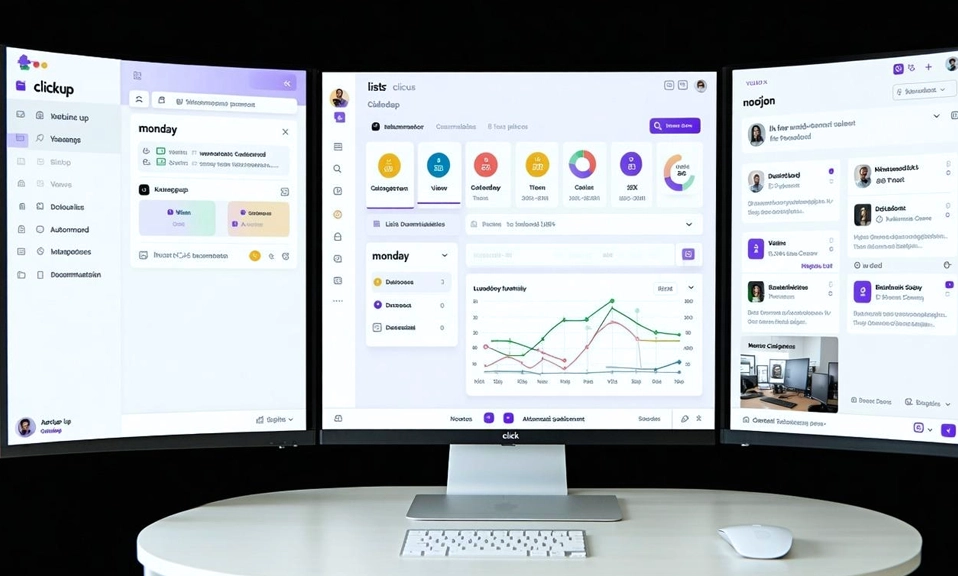
Core philosophy: ClickUp is an all-in-one work operating system. It combines tasks, docs, goals, whiteboards, time tracking, and chat in a single platform, and it offers 15+ views of the same underlying data—List, Board, Gantt, Calendar, Timeline, Workload, Mind Map, and more. The pitch is simple: stop paying for five tools when one can do the job.
AI approach: ClickUp Brain2, launched in June 2026, is the most context-aware AI of the three. It pulls from every task, doc, decision, and conversation in the workspace, then routes queries to Claude, GPT, or Gemini depending on what the work demands. It can generate finished slide decks, dashboards, and working apps from a single prompt, and it includes an “anti-sycophancy” system prompt designed to challenge your decisions rather than simply agree with them. Super Agents, Autopilot Agents, and AI Skills can take multi-step actions on tasks, docs, and chat, and ClickUp runs its own MCP server on every plan with 1,000+ integrations.
Pricing: Unlimited at $7/user/month** (billed annually) includes tasks, Gantt charts, time tracking, and dashboards. **Brain AI is a $9/user/month add-on on top of a paid plan—so the lowest full AI price is $16/user/month**. The **Everything AI tier at $28/user/month includes advanced agent capabilities and higher credit allowances. AI use is metered in Super Credits (1,500 or 5,000 per user per month depending on the add-on), and additional credits cost $10 per 10,000.
Pros: The best value per feature of the three. Genuinely powerful for teams that need many views and deep customization. Brain2 is a real AI coworker, not a chatbot. The MCP server on every plan is a significant advantage for teams building AI workflows.
Cons: AI is an add-on, not included—the headline $7 price is misleading once you add Brain. The learning curve is consistently described as steep, and the configuration effort scales with the complexity of your workflows. Trustpilot rating sits at 1.5/5 across 289 reviews, a red flag for support and billing experiences. Complex automations can produce incorrect sequencing in edge cases.
Choose ClickUp if you are a power user or a technical team that wants one platform for everything, you are willing to invest setup time, and you need the broadest feature set at the lowest base price.
🎯 Asana: The Coordination Layer
Core philosophy: Asana is a work management platform built for clarity and adoption. It is designed for teams that need to coordinate who is doing what by when, without the configuration overhead that slows down non-technical departments. It holds a Leader position in Forrester’s 2025 Collaborative Work Management Wave and a 4.4 rating across 12,800+ G2 reviews for ease of use.
AI approach: Asana’s AI is the most conservative of the three, but it is included on paid plans rather than sold as a separate add-on. AI Teammates are embedded agents within projects and tasks that can analyze information and propose actions. AI Studio is a no-code environment for building custom AI rules and workflow automations, and AI connectors for Claude, ChatGPT, and Gemini let you turn conversations into structured projects, assign work, and flag risks from within those external tools. Asana has also added timesheets and budgets add-ons with AI-powered recommendations for resource allocation.
Pricing: Free plan for up to 10 users (reduced from 15 for new accounts). Starter at $10.99/user/month** (billed annually) includes AI Teammates, Timeline, Gantt, custom fields, forms, and unlimited automations. **Advanced at $24.99/user/month adds Portfolios, Goals, and native time tracking.
Pros: The easiest to adopt and the most intuitive interface. AI is included on paid plans, not a separate add-on. Excellent for cross-functional marketing, operations, and business teams. Strong reporting with Portfolios and Goals.
Cons: The lowest ceiling for complex project management. Gantt charts support only finish-to-start dependencies with no critical path analysis or baselines. Automation logic is less powerful than ClickUp’s. The Free plan now caps at 10 users. Advanced features are expensive at $24.99/user/month.
Choose Asana if your team is non-technical, you need reliable coordination and reporting rather than deep customization, and you want AI that is included and easy to use without a separate line item.
💎 Match the Platform to Your Team’s Center of Gravity
The mistake most teams make is choosing the platform with the longest feature list. The better approach is to identify where your work actually lives and pick the tool built for that center of gravity.
| If your team’s center of gravity is… | Choose | Because |
|---|---|---|
| Knowledge, documentation, and notes | Notion | It is the only tool of the three with full MCP support, and its AI is designed to act on your workspace content, not just your tasks. |
| Tasks, views, and one platform for everything | ClickUp | It offers the most features at the lowest base price, and Brain2 is the most context-aware AI of the three—if you are willing to pay the add-on and invest the setup time. |
| Coordination, adoption, and reporting | Asana | It is the easiest to learn, AI is included, and it is built for teams that need clarity more than customization. |
The hybrid path: Many teams do not choose one. They use Asana or ClickUp for execution and Notion for knowledge. The AI layer is where the integration matters: if you want external AI agents to act on your workspace data, Notion’s MCP server is the most mature option. If you want AI baked into your project execution, ClickUp’s Brain2 is the most ambitious. If you want AI that simply works without a separate line item, Asana’s included AI is the least friction.
The platform that saves you the most time is the one that fits the way your team already thinks—not the one that forces your team to think the way the platform was built.