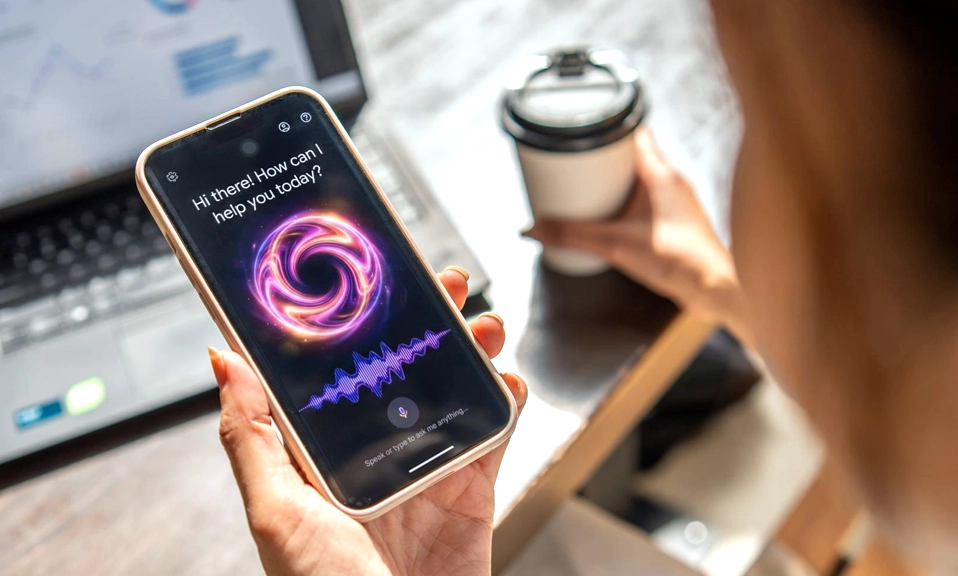
Your phone is not just a screen you tap. It is an AI-powered assistant that can draft messages, summarize meetings, translate conversations in real time, and automate the boring parts of your day—if you know where to look. The problem is that most of these features are buried in menus, disabled by default, or hiding in plain sight. Here are seven AI tricks that will genuinely save you time every single day.
1. Voice Typing That Actually Punctuates
You have probably used voice dictation before and been frustrated by a wall of text with no commas, periods, or capitalization. That is the old version. The new version—powered by on-device AI—is dramatically better.
On both Android (Gboard) and iOS, voice typing now inserts punctuation automatically, understands natural pauses, and can even format lists. On Pixel and Samsung devices, you can speak a message and watch it appear with correct grammar and punctuation in real time. The key is to enable it properly: on Gboard, tap the microphone icon and start speaking—then look for the setting called “Auto-punctuation” and turn it on. On iPhone, the dictation feature in the keyboard does this by default in iOS 17 and later.
Time saved: Drafting a three-paragraph email by voice takes about 30 seconds instead of three minutes of typing.
2. Smart Reply and Smart Compose
Your phone already knows how to finish your sentences. Gmail’s Smart Compose suggests entire phrases as you type, and Smart Reply offers one-tap responses for short messages. On iOS, the Mail app and Messages app offer similar predictive suggestions.
But the real time-saver is using them deliberately. When you receive a meeting invite, Smart Reply offers “Yes, I’ll be there” or “Can we reschedule?” with a single tap. When you get a confirmation email, it offers “Thanks!” so you don’t have to type it. These micro-savings add up to minutes every day—and they reduce the cognitive load of context-switching.
Time saved: 5–10 seconds per message, dozens of times a day.
3. Call Screening and Transcription
Robocalls and spam calls are a waste of time. Google’s Call Screen on Pixel devices (and available on some Samsung phones) uses AI to answer unknown numbers, transcribe what the caller says in real time, and let you decide whether to pick up. The caller hears a Google Assistant voice asking them to state their name and reason for calling, and you see the transcript on your screen.
On iOS, Live Voicemail does something similar: it transcribes voicemails as they are being left, so you can read them instead of listening. If it’s important, you can pick up mid-message.
Time saved: Minutes per spam call, plus the mental energy of not having to deal with them.
4. Photo Search That Understands Context
You have thousands of photos. Finding the one you need used to mean scrolling endlessly. Now, AI-powered photo search lets you type natural language queries like “receipt from last Tuesday” , “dog in the park” , or “screenshot of a boarding pass” and get instant results.
On Google Photos, this works exceptionally well—type a person’s name, a location, an object, or even a color, and the AI finds it. On iOS Photos, the search tab understands queries like “beach” or “cat” and surfaces matching images. You can also search for text within screenshots and documents.
Time saved: Several minutes every time you need to find a specific photo, receipt, or screenshot.
5. Live Translation in Conversation
Traveling or communicating with someone who speaks a different language used to require a separate app and awkward back-and-forth. Now, live translation is built into the phone.
On Pixel phones, Live Translate works in messaging apps—you type in English, and the other person sees it in their language, and vice versa. On Samsung Galaxy devices, the Interpreter feature splits the screen and translates spoken conversation in real time. On iOS 18 and later, the Translate app and Safari’s translation features make it easy to read foreign-language web pages and have basic conversations.
Time saved: Eliminates the need to copy-paste into a translation app, and makes real-time conversation possible without switching devices.
6. Summarize Articles and Emails with AI
You don’t always need to read the whole thing. AI summarization is now built into several phone features.
On Samsung Galaxy devices with Galaxy AI, you can open a web page in Samsung Internet and tap “Summarize” to get a bullet-point summary. On Pixel phones, the Google Assistant can summarize long emails in Gmail. On iOS, the Safari Reader mode with Apple Intelligence (available on newer iPhones) offers a “Summarize” button for articles.
For emails, Gmail’s “Summarize this email” button (available in the Gemini side panel on Android and iOS) condenses long threads into a few key points.
Time saved: 2–5 minutes per long article or email thread.
7. Automate Routines with AI-Powered Shortcuts
The most powerful time-saver is the one you build yourself. Both iOS Shortcuts and Android’s Tasker (or Samsung’s Routines) now include AI actions that can chain together complex tasks with a single tap or voice command.
For example, you can create a shortcut that:
Reads your next calendar event
Gets directions to the location
Sends a text to the person you’re meeting saying you’re on your way
Starts playing your commute playlist
On iOS 18 and later, Shortcuts can use Apple Intelligence to summarize text, extract data from images, and generate content. On Android, Google Assistant Routines can trigger actions based on location, time, or voice commands.
Time saved: The initial setup takes 5–10 minutes. After that, a routine that would take 60 seconds of tapping and swiping happens in 5 seconds.
Your phone’s AI features
are not gimmicks. They are genuine time-savers that can reduce the friction of everyday tasks—from dictating an email to finding a receipt to screening a spam call. The key is to enable them, learn where they live, and build the habits that make them automatic.
Start with one trick from this list. Use it for a week. Then add another. The cumulative effect is not just saved minutes—it is a lighter cognitive load, fewer small frustrations, and more time for the things that actually matter.